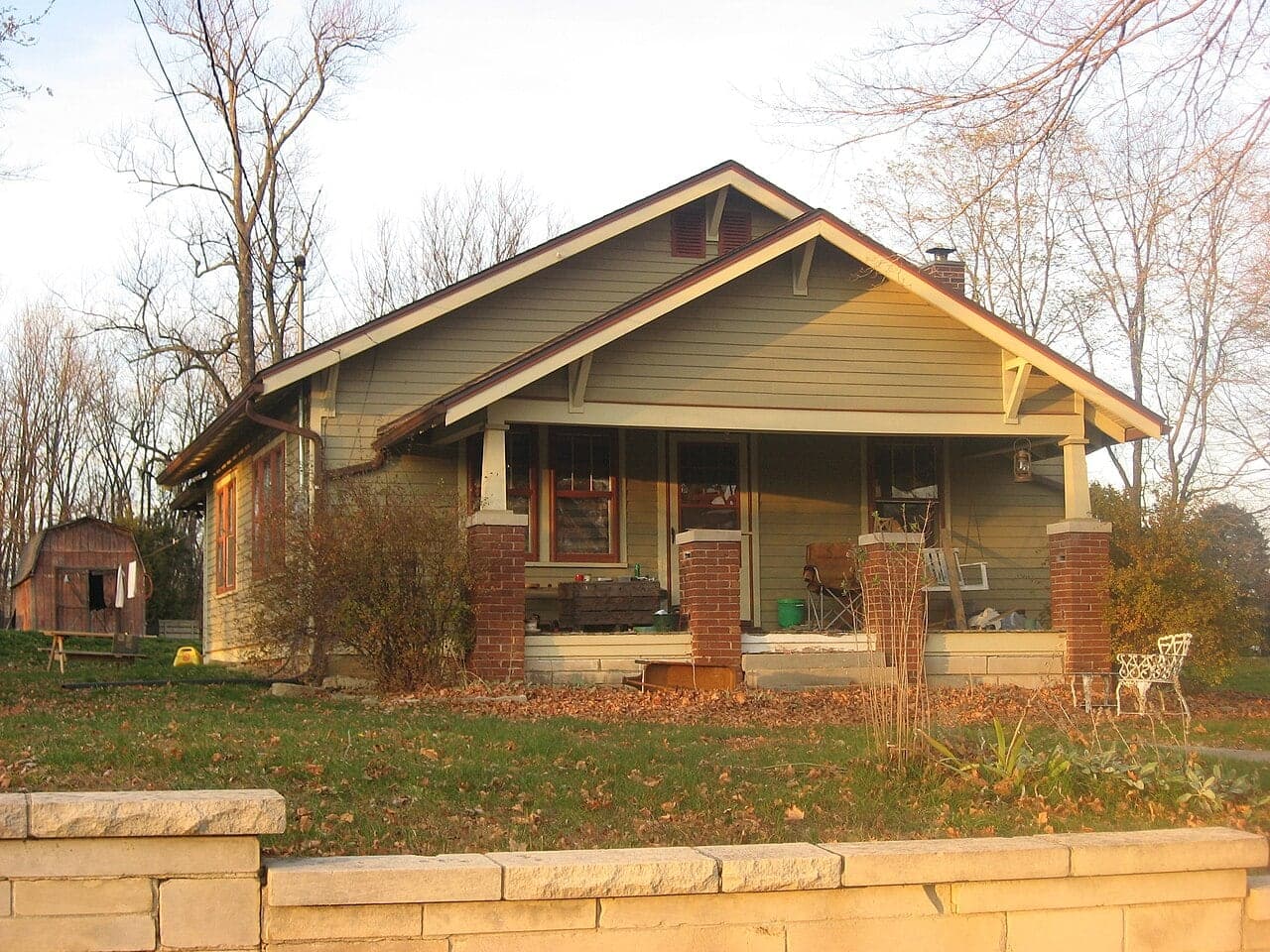
How the landscape render works
You choose a style, such as modern low maintenance, cottage garden, native pollinator, formal or drought tolerant, and up to four elements like a stone walkway, foundation beds, path lights or planters. The AI redesigns only the front yard: lawn, beds, planting, mulch, edging and walkways.
The house is protected. Walls, roof, windows, doors, porch and colors stay as they are, and the driveway, street, neighboring houses and mature trees are kept in place. Plants are drawn at a realistic size for a newly planted yard, not the size they reach in ten years, so you are not misled about how full a garden looks on day one.
Front yard design basics that make the biggest difference
Curb appeal comes mostly from a few moves: a clear, generous path to the front door, foundation beds deep enough to hold layered planting, and one focal point such as a small tree or a pair of planters.
- Make the main walkway wide enough for two people, often 4 to 5 feet, and lead it to the door rather than only to the driveway.
- Give foundation beds real depth, commonly 4 to 6 feet, so plants are not crammed against the wall.
- Plant shrubs at their mature spread away from the foundation, so air can move and siding stays dry.
- Layer from low edging plants at the front to taller shrubs at the back, and repeat a few plants rather than using one of everything.
- Keep plants clear of windows, meters, dryer vents and the path snow will take off the roof.
Plants that suit Canadian and northern US winters
Check your hardiness zone before buying. Canada and the US use different zone maps, and a Canadian zone number is not always the same as the USDA zone for the same place, so compare plant tags with the right map. Much of southern Ontario and Quebec sits around zones 5 to 6, while the Prairies are often zones 3 to 4.
Reliable choices across much of this range include serviceberry, ninebark, panicle hydrangea, spirea, junipers, dwarf lilac, coneflower, black-eyed susan, little bluestem and other native grasses. Boxwood is popular but can suffer winter burn and pests in some regions; ask a local nursery whether it is a good choice where you live.
Beds along a driveway or sidewalk get road salt and piled snow. Use salt-tolerant plants there and leave room to stack snow without crushing shrubs.
Planning the real project
Call or click before you dig: utility locates are free in most provinces and states and required before excavation. Check whether your municipality or association limits front yard hardscape, lawn removal or fence height.
Costs depend on how much hardscape you add, soil and grading work, plant sizes, and whether you install yourself. Starting with smaller plants and a strong layout often looks better within two or three seasons than buying large specimens.